Recipient Pre Award Process
Led UX design for the Pre-Award Recipient Modernization initiative within the GrantSolutions Unified Experience — transitioning grant pre-award processes from GMM Classic to a more transparent, user-friendly experience focused on enhancing usability, improving workflow efficiency, and reducing friction for recipients.
Guidehouse: Digital Health – GrantSolutions · 2024
Overview
The Pre-Award (Recipient) Modernization project aimed to transition grant pre-award processes from GMM Classic to a more transparent and user-friendly experience. The focus was on enhancing usability, improving workflow efficiency, and reducing friction for recipients navigating the system.
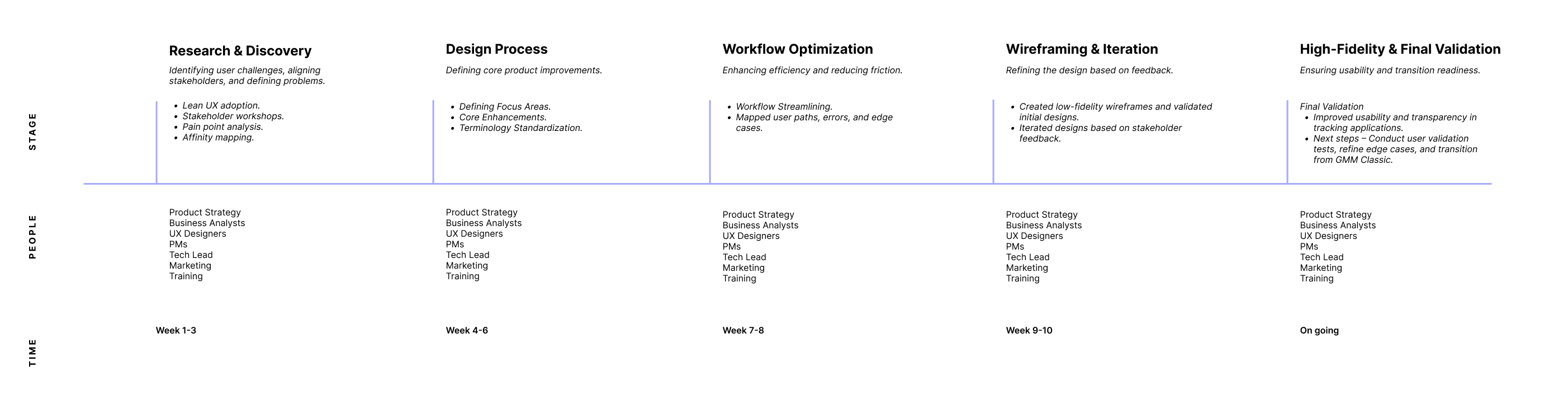
Product Design Process
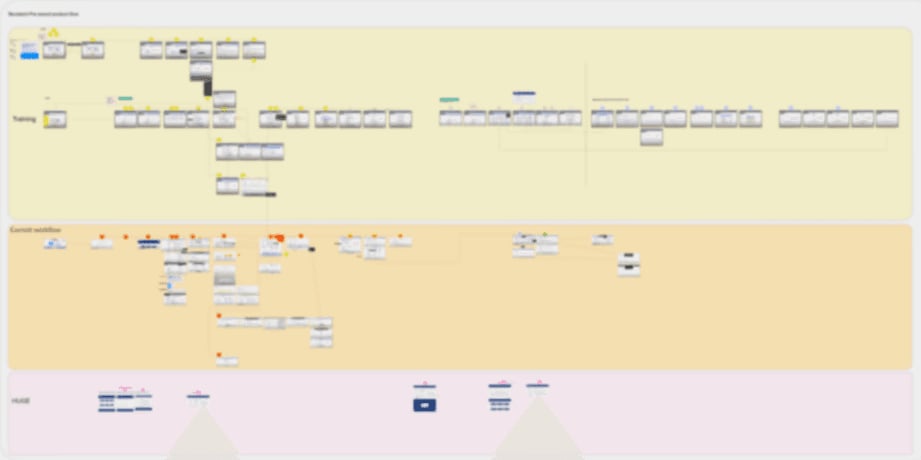
Legacy versions userflow comparison
Research&Discovery
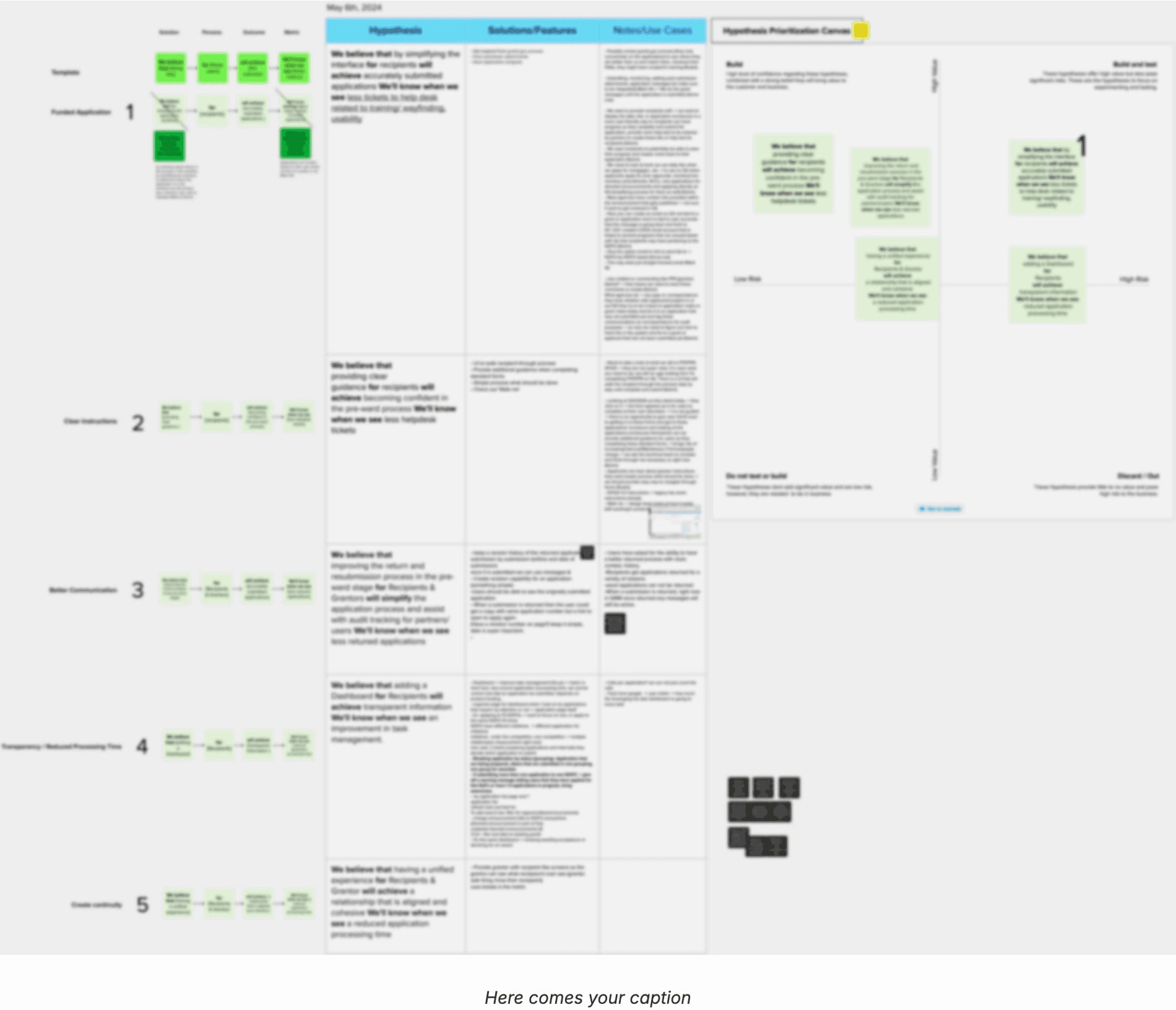
For the first time, the project applied Lean UX to structure research insights after a team discussion inspired by the Lean UX book.
The Lean UX Questionnaire was sent to 11 stakeholders—including Strategy, Tech Lead, Marketing, PMs, and BAs—to gather initial perspectives before conducting the Lean UX Canvas workshops.
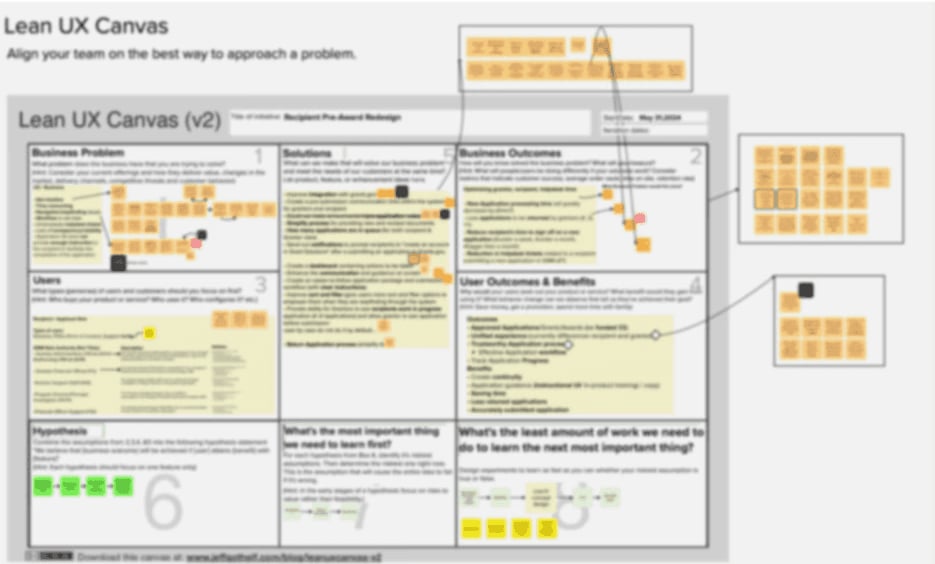
During the discovery phase, I worked alongside a Senior UX Designer, engaging with smaller groups like Salesforce to analyze helpdesk tickets and past user issues. Reviewing prior work done by HUGE (the previous consultant) helped identify gaps and opportunities in the existing system.
Additionally, a Business Problem Affinity Map was created to categorize challenges such as wayfinding issues, transparency gaps, UI/UX inefficiencies, and time-consuming workflows. Insights from card sorting exercises helped refine edge cases and error handling.
MyRole:MyApplicationsList&FundingOpportunities
I was responsible for designing the My Applications List & Funding Opportunities section, ensuring that users could efficiently search, track, and manage their applications.
Key Enhancements:
- Unified Page View: Combined Applications List & Opportunities to reduce navigation steps
- Advanced Search & Filtering: Enabled users to search by application type, status, and funding source for better discoverability
- Improved System Warnings: Implemented overdue and application status alerts for real-time updates
- Pin & Message Features: Allowed users to pin applications and send messages upon submission to enhance workflow communication
- Updated Terminology: Standardized Funding Opportunities (formerly Announcements) to align with strategic goals
WorkflowOptimization
A comparison between existing and proposed workflows streamlined navigation by:
- Reducing steps required to apply for funding
- Integrating bulk actions to improve efficiency
- Enhancing dynamic tooltips to clarify application processes
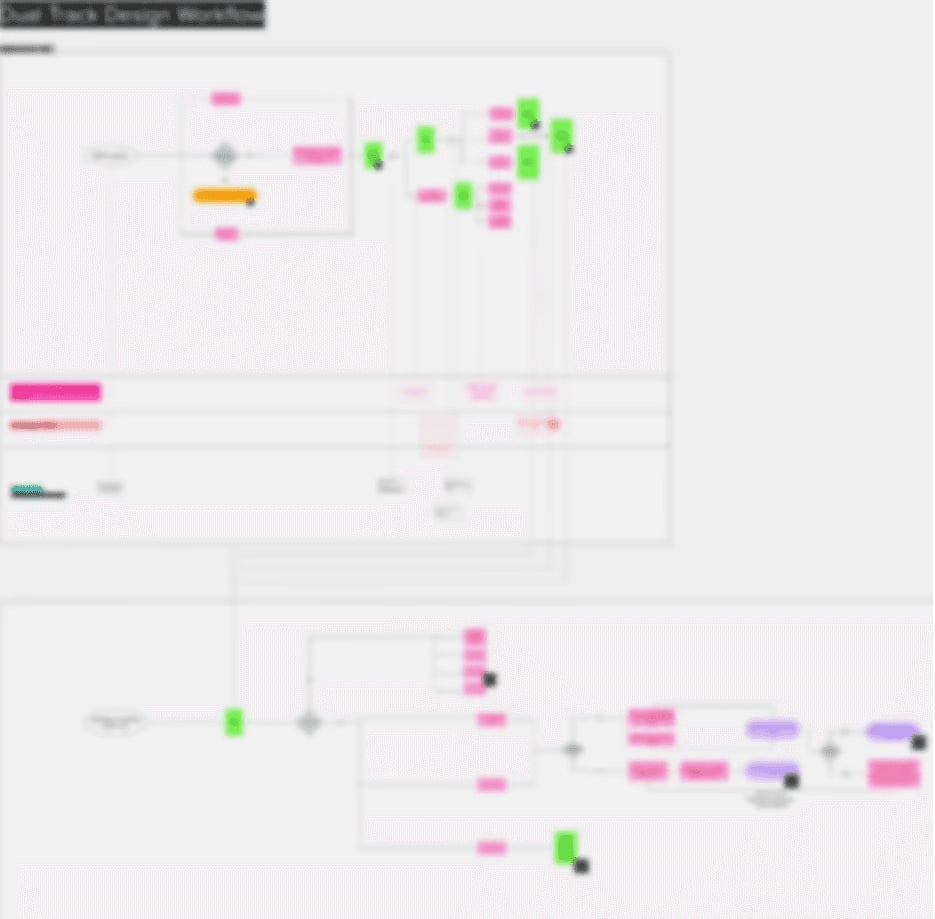
A Dual-Track Design Workflow was also developed to map out potential user paths, legacy system errors, and edge cases, ensuring an intuitive and seamless application process.
Wireframes
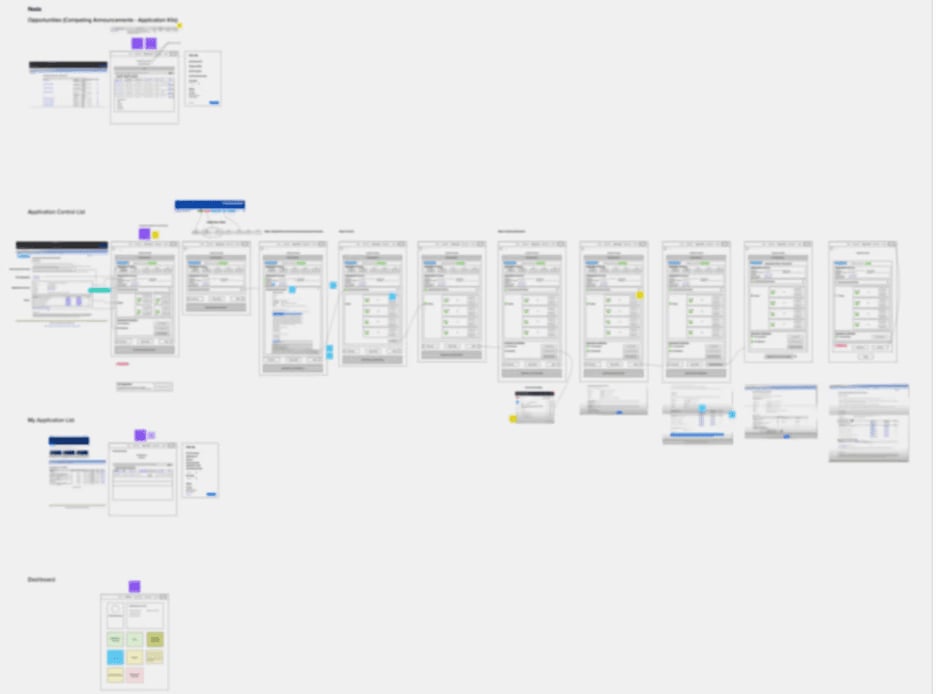
These early low-fidelity wireframes were created before dividing work between me and the Senior UX Designer. They mapped out the full experience, helping identify navigation pain points, streamline workflows, and integrate advanced search and filtering. Later, I focused specifically on My Applications List & Funding Opportunities, refining search, tracking, and application management for a more seamless user experience.
Outcome&NextSteps
The design refinements significantly improved usability and transparency in application tracking. Next steps involve validating updates with users, refining edge cases, and ensuring a smooth transition from legacy GMM Classic to the new experience.
More details and refinements to follow.